Mobile phones have become an integral part of our lives. With increased usage, mobile phone hardware problems have become a common occurrence. These problems can be frustrating and can hinder the functionality of the device. In this article, we will discuss solutions to all types of mobile phone hardware problems.786
 |
| Mobile phone Hardware Problems |
786
Display issues: Display issues are one of the most common hardware problems in mobile phones. The solution to this problem depends on the type of issue. If the display is cracked or broken, it needs to be replaced. If the display is flickering or has lines, it may be a software issue. In this case, resetting the device to factory settings or updating the software may solve the problem.

Battery issues: Battery issues can cause the mobile phone to turn off unexpectedly or not charge properly. The solution to this problem is to replace the battery. It is important to buy a genuine battery from a trusted source to ensure compatibility with the device.
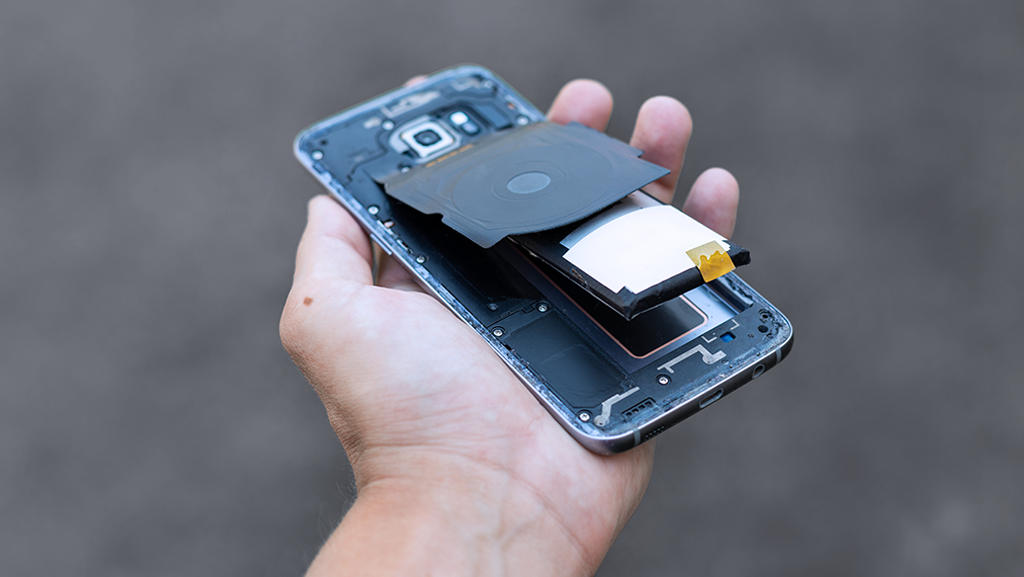 |
| Battery issues |
Charging port issues: Charging port issues can prevent the device from charging or connecting to a computer. The solution to this problem is to replace the charging port. It is important to ensure that the replacement part is compatible with the device.
 |
| Charging port issues |
Speaker issues: Speaker issues can cause the sound to be distorted or not work at all. The solution to this problem is to replace the speaker. It is important to ensure that the replacement part is compatible with the device.
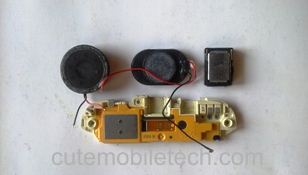 |
| Speaker issues |
Camera issues: Camera issues can cause the camera to not work or produce blurry images. The solution to this problem is to replace the camera. It is important to ensure that the replacement part is compatible with the device.
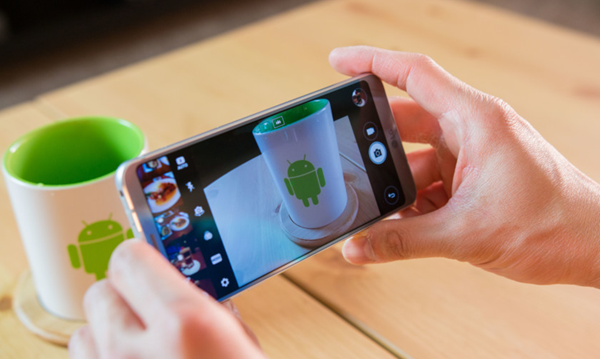 |
| Camera issues |
Button issues: Button issues can cause the device to not respond to inputs or respond incorrectly. The solution to this problem is to replace the button. It is important to ensure that the replacement part is compatible with the device.
Water damage: Water damage can cause the device to malfunction or not work at all. The solution to this problem is to immediately turn off the device and remove the battery if possible. Then, the device needs to be taken to a professional repair center for cleaning and repair.
Overheating: Overheating can cause the device to slow down or turn off. The solution to this problem is to remove any cases or covers and let the device cool down. It is also important to avoid using the device while charging.


0 Comments